
 Calls
Calls
 Phone numbers
 SMS
SMS
 Business Phone System
 CRM
CRM
 eSIM for Internet
 AI agent
 AI Speech Analytics
 Click to Call
 Call Tracking
 VoIP for Business
 Become a partner
 Integrations
 For whom
 Setup guides
 FAQ
FAQ
 Online chat
 Contact us
 Blog
Blog

Zadarma virtual phone numbers advantages
-
Zadarma phone numbers are multi-channel. Customers can always reach you so you will never need to miss a single incoming call.
-
Free cloud PBX allows you to set up a cost-effective phone system for your business, and it will help you to provide a superior service to your clients.
-
Your office can change its geographical location while retaining all of the existing company phone numbers.
Toll-Free numbers (800)
Benefits for small businesses (SMEs)
- Simple phone number reservation and connection
- Instant activation
- Easily to set up call forwarding
- Free cloud PBX helps give your company a well-established and professional business image, even if you are a sole trader
- Zadarma apps for iOS, Android and Windows
- Clients can always reach you by calling their local phone number (without being overcharged for making international calls), even if you are away on a business trip
Benefits for large businesses
- Cloud PBX integrates with a CRM system, helping you track any number of calls
- Wholesale discounts and convenient order of multiple phone numbers are available on the website
- Incoming call forwarding to IP (SIP URI) directly sends the phone numbers to your server
- API will help you automatically set up the phone numbers
- "Phone number name" feature
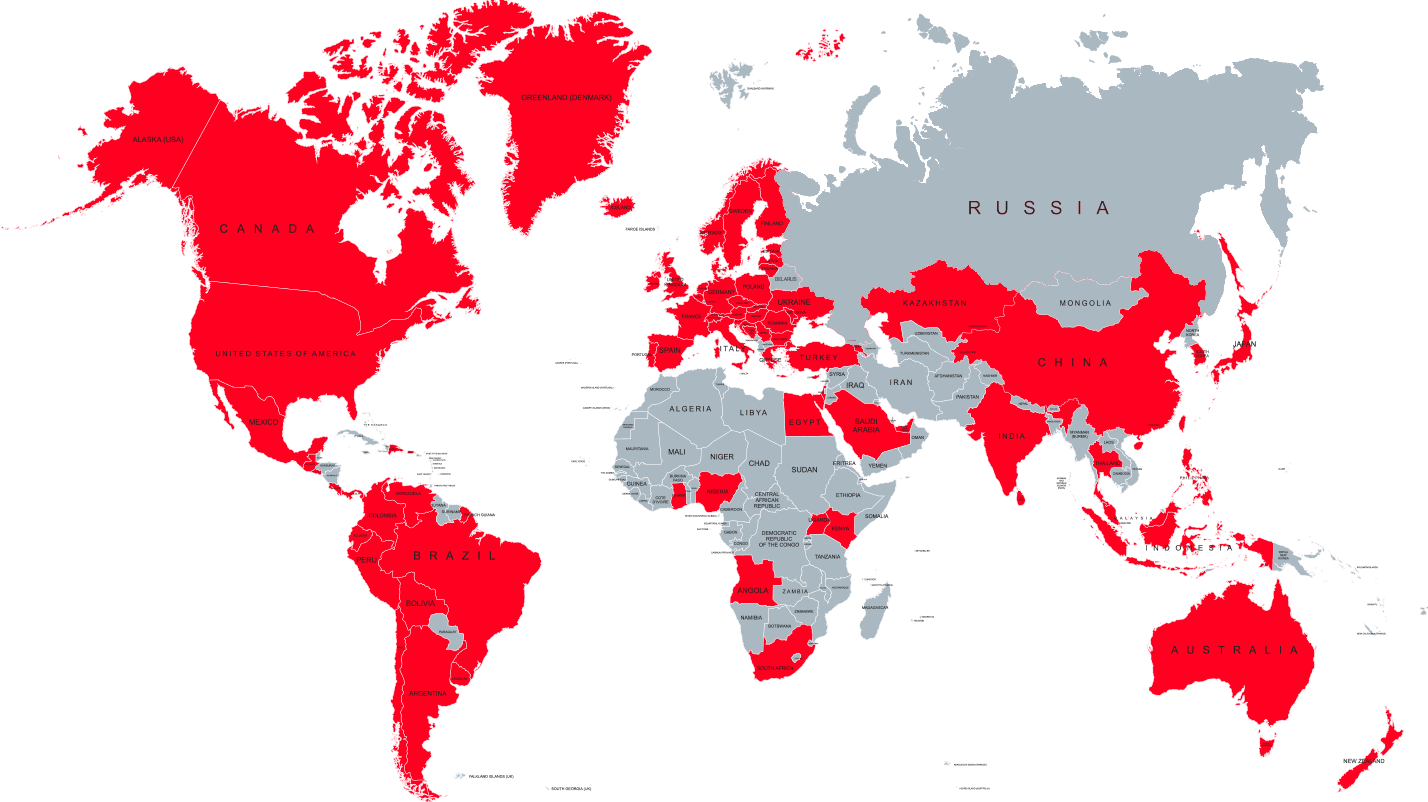
Large selection and geographical coverage of virtual phone numbers
In the press

Zadarma IP telephony meets the requirements of globally active entrepreneurs, because they can organize their company from anywhere in the world and connect all their employees in one network with customers and partners.

Zadarma understands how integral communication and building relationships are to businesses at every stage.

Zadarma’s VoIP services help you separate work from personal at an incredible price

Zadarma's tech team is always looking to evolve their cloud-based business phone software (PBX) to accommodate the ever-changing new normal global communication needs. There are many advantages to Zadarma's VoIP solution.

European telecom provider Zadarma has successfully integrated three of the leading AI-powered voice assistants into its cloud telephony and virtual PBX platform.

By choosing Zadarma, you get a variety of flexible tools that help your business stay competitive and connected.

Zadarma focuses on offering reliable cloud communication services for businesses and individuals around the world.

Zadarma is a globally recognised PBX vendor, offering a popular cloud PBX phone system. This ready to go, affordable phone system is simple to set up and comes with a variety of call management features, creating a versatile business phone system for growing businesses.