
 Calls
Calls
 Phone numbers
 SMS
SMS
 Business Phone System
 CRM
CRM
 eSIM for Internet
 AI agent
 AI Speech Analytics
 Click to Call
 Call Tracking
 VoIP for Business
 Become a partner
 Integrations
 For whom
 Setup guides
 FAQ
FAQ
 Online chat
 Contact us
 Blog
Blog
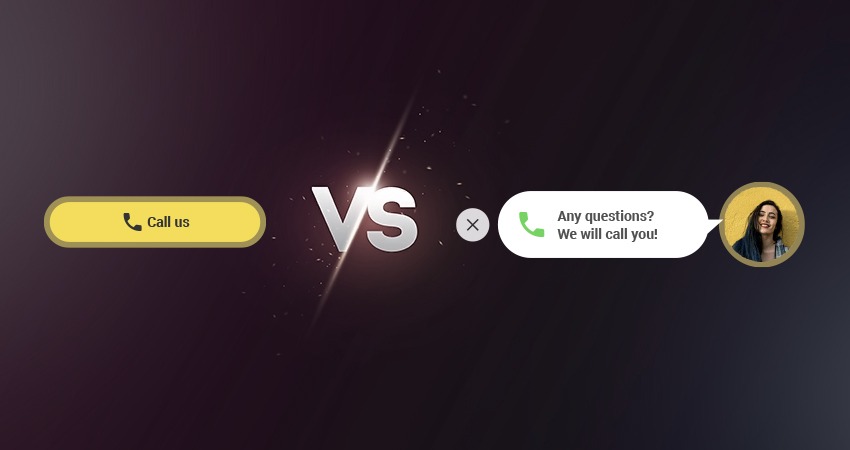
- What is a call widget for a website?
- Click to Call and Callback - what are the differences?
- Comparison table: Click-to-Call vs Callback widgets
- FAQs
In the digital world, the speed of contacting a customer often directly affects sales.
Two of the most popular tools for generating calls are Click to Call and Callback widgets. Despite looking similar, they solve different business tasks.
What is a call widget for a website?
In IP telephony, a widget is a piece of code that is integrated into a website and appears to the user as an interactive element. It performs a specific function: the widget makes the page easier to use for visitors and helps establish contact between the company and the customer through a phone channel.
In essence, it is a small tool connected to a cloud PBX and/or CRM with statistics and analytics available afterwards. It helps a client initiate a call in just a few clicks, without searching for a contacts page, phone number, or email address. The system automatically routes the call to the responsible agent, department, or voice menu according to your settings.
The widget immediately attracts attention and shortens the path from interest to real contact with the company. Such technologies are especially important when a client is ready to ask a question or place an order. If the option to contact you is available right away, the chance of making a sale increases significantly.
Why is it useful? Widgets can perform many functions, from showing current weather to allowing instant contact with support or sales departments. Tools like these help increase website conversion and prevent losing a customer at the moment they are ready to ask a question or make a purchase.
Zadarma offers two widgets: Click to Call and Callback. They are often confused, although in terms of their usage they are different tools. Below we will explain their functionality and differences, and show how you can quickly add them to your website without complicated setup.
Click to Call and Callback - what are the differences?
The Callback widget — is a convenient form on the website where a visitor enters their phone number and, if needed, chooses a convenient time for the call. This is especially useful when a customer is interested but cannot talk right now, for example due to time zone differences or outside business hours.
In this case, the visitor leaves a request on the website, and your agent receives a notification about the scheduled call. This helps you avoid losing a potential customer and contact them exactly when it is convenient for them.
Advantages of the Callback widget:
- convenience - If it is inconvenient to talk now or you are not working, the visitor will receive a call at an appropriate time;
- increases website conversion;
- collects leads for your CRM and further processing;
- call quality control.
The widget can be displayed according to selected rules. In your account, you can set display time, pages where it appears, scroll depth, and other conditions. You can find detailed instructions with a description of the parameters on our website.
If the client is ready to talk immediately, they simply enter their number and the system automatically initiates the connection. In about 20 seconds, the agent receives an incoming call on a softphone or mobile phone. After answering, the system connects the agent with the client automatically. Everything happens quickly and without unnecessary actions from either side.
This approach reduces the barrier for first contact, increases trust, and helps turn a website visitor into a real customer - without missed calls or long waits.
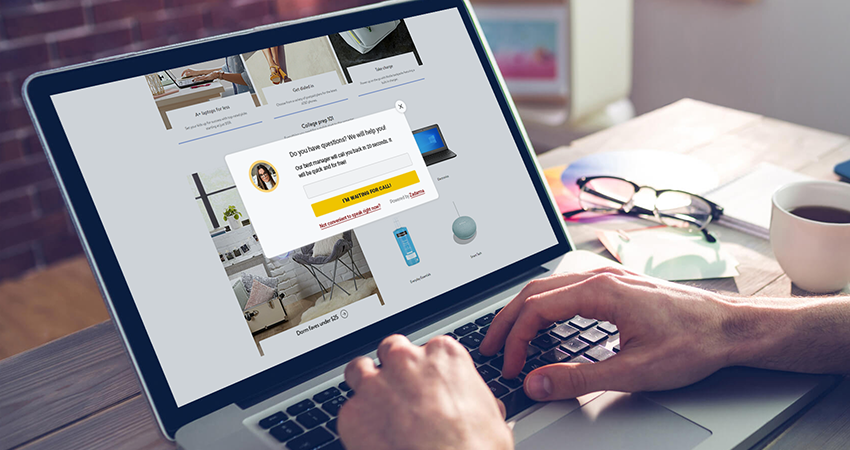
The Click to Call widget (or Call Us button) is a button on the website based on WebRTC technology.
When the visitor presses the button, they are instantly connected with the company’s employee (the employee can answer using a softphone or forward the call to another number). This happens directly in the browser, without additional software or complicated settings for the client.
Such widget reduces the path from question to live conversation to just one click, which significantly increases the chance of turning an interested visitor into a customer.
Advantages of Click to Call widget:
- fastest way to contact support;
- convenient solution for mobile users;
- visible interactive icon that encourages action (a call).
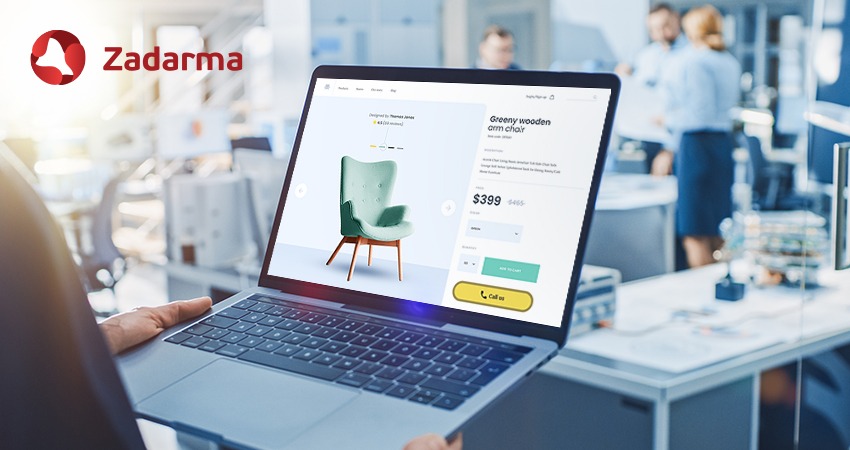
So what is the difference?
The Click to Call widget is pressed by the website visitor - your potential customer. They are the one who initiates the call and immediately connects with the employee. In this case, the active party is the client: they are ready to speak right now.
With Callback, the client leaves their number in the form and the company calls back. Here, the active side is the business. The IP telephony system sends the request to an agent, who calls the client later or at the scheduled time. You specify exactly when to display the form in the settings, after which the visitor's actions on the site are analyzed. Thanks to these flexible settings, you do not disturb a potential customer but offer help exactly when it is most appropriate.
In practice:
- the Click-to-Call widget is best used for support and sales, when a quick answer is needed regarding price, functionality, or product/service details. It is also convenient for mobile traffic, as the smartphone is already ready to make the call;
- the Callback widget is more often used as a conversion tool - to turn a hesitant visitor into a customer. If a client needs information quickly and the business doesn’t want to lose any potential visitors, this is an excellent solution;
- for maximum effectiveness, both tools can be used simultaneously.
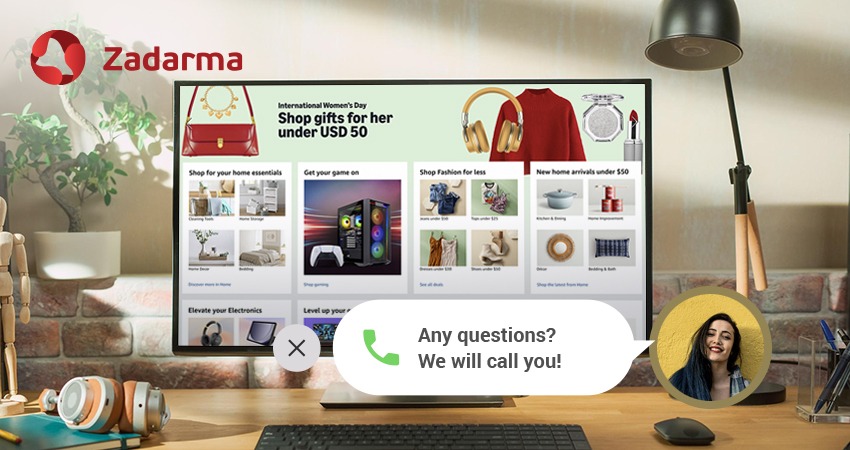
Comparison table: Click-to-Call vs Callback widgets
FAQs
Is it difficult to integrate Callback and Click to Call with IP telephony?
Integration takes only a few minutes. You only need to add the widget code to your website and configure call routing. After that, calls can be automatically sent to CRM, distributed between departments, and saved for analytics. This allows a business not only to receive calls, but also to analyze their effectiveness. Technical requirements:
- website must use a secure HTTPS protocol;
- widgets work in most modern browsers;
- WebRTC technology is used.
Can Click-to-Call and Callback be used together?
Yes, and this can become your best solution. Click to Call meets the need for quick contact here and now (without the extra hassle of searching for a contact number), while Callback is appropriate when the client cannot talk immediately or when you are outside working hours. In combination with IP telephony, this forms a comprehensive system for handling inquiries.
How much do the widgets cost?
Both widgets are free. When using the callback widget, you pay for outgoing calls to the visitor’s number according to the selected price plan (if the employee receives the call through a program or application).
Which widget improves conversion more?
Both tools can effectively increase conversion, but their roles are different. Click to Call works well with “hot” inquiries - clients who are already ready to engage and interested in your product. Callback helps engage those who are still hesitant and allows the business not to lose a potential lead.
Is it possible to integrate the call widgets with a CRM?
Yes, and not only that. When the widget is connected to a CRM, every interaction (a call or a callback request) is automatically recorded in the system: a new lead is created in the CRM or an existing client card is updated; when using Callback, data such as the phone number, time of the request, and even the call duration is saved. These tools also integrate with other Zadarma services, CRM systems, Google Analytics, and other platforms.